Set up your list
We prepare your wines, prices and serving options, then review the details together.
The starting point at the table
The table card makes Brindio visible without competing with the menu, service or the room.
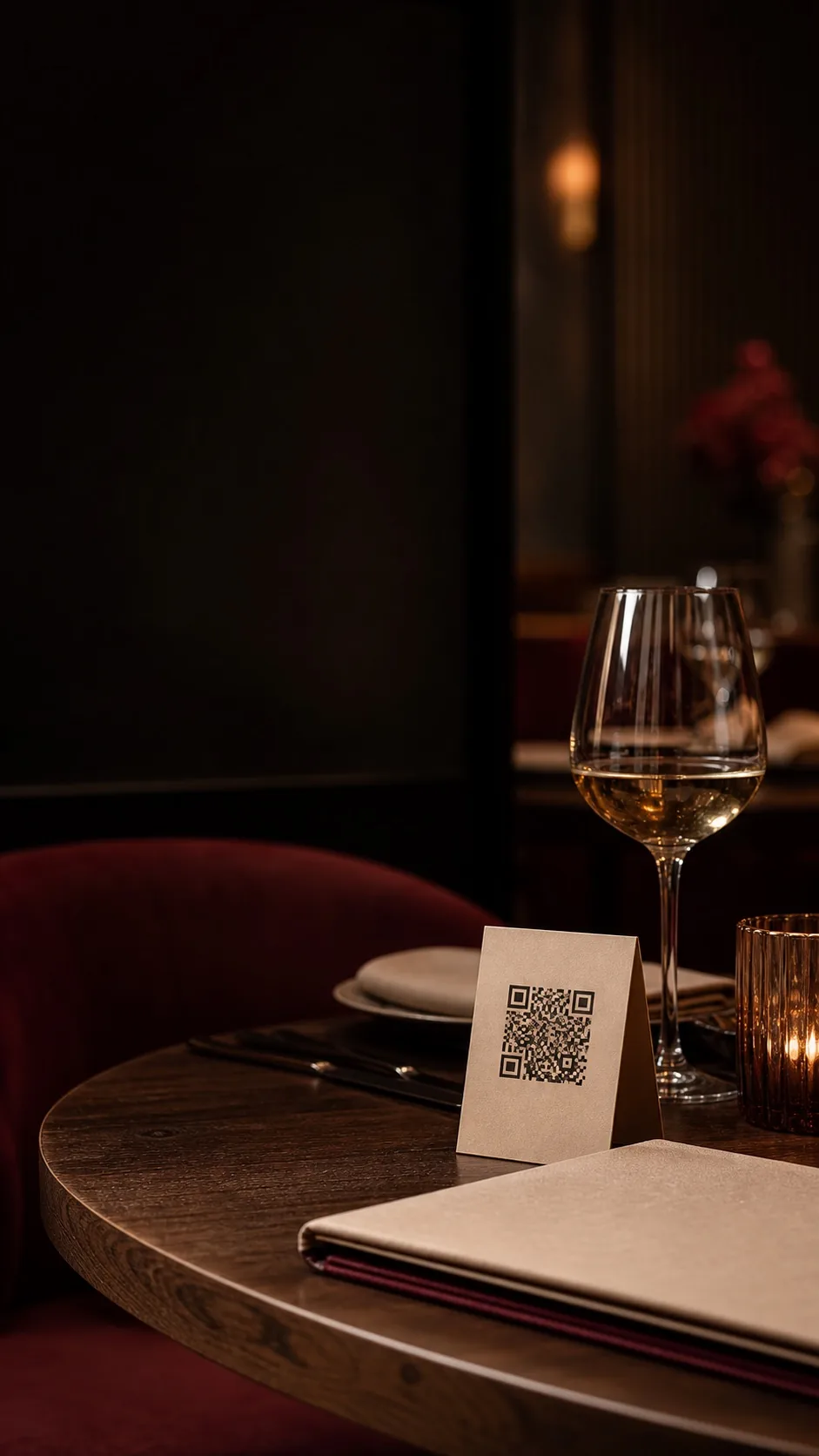
Every card opens the correct restaurant context. The format is chosen for the table; the existing printed list can stay.
Wine, olive or paper: Brindio layouts bring an invitation to explore wine into the room. Choose a direction that feels at home in your venue.
Layout preview. Your restaurant's QR code is configured during setup. Print and format are agreed together.
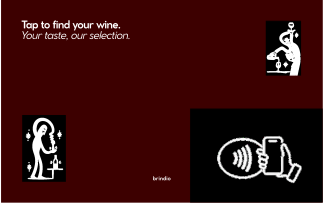
Place the card where guests choose wine: on the table or beside the wine list. A short introduction from your team makes the invitation clear.
Before use, we check that the scan opens the right restaurant. Day to day, guests need a readable card and an internet connection on their smartphone.
We prepare your wines, prices and serving options, then review the details together.
You review the list and wine profiles. We agree who keeps prices and availability up to date.
Your table cards open Brindio in the browser. Guests need no download or account.
Your contact
Brindio developer · Bargteheide
We review your list together and answer your questions before you start. You can talk to me directly about how Brindio fits your restaurant.
Email Tim directly
We discuss your list and how to get started. If Brindio fits, we agree the start of your free 30-day pilot together.
Ask for a free pilot placeThree details. We get back to you by email. No commitment.